OnCrypt Web Platform
The portal, admin panel and APIs behind every OnCrypt app.
- Type
- Work project
- When
- May 2023 - Oct 2026
- My role
- Full-stack developer at OSSEC Inc.
Tools: ASP.NET Core 6, EF Core, SQL Server, Stripe, MVC, Web API, Azure, Pusher
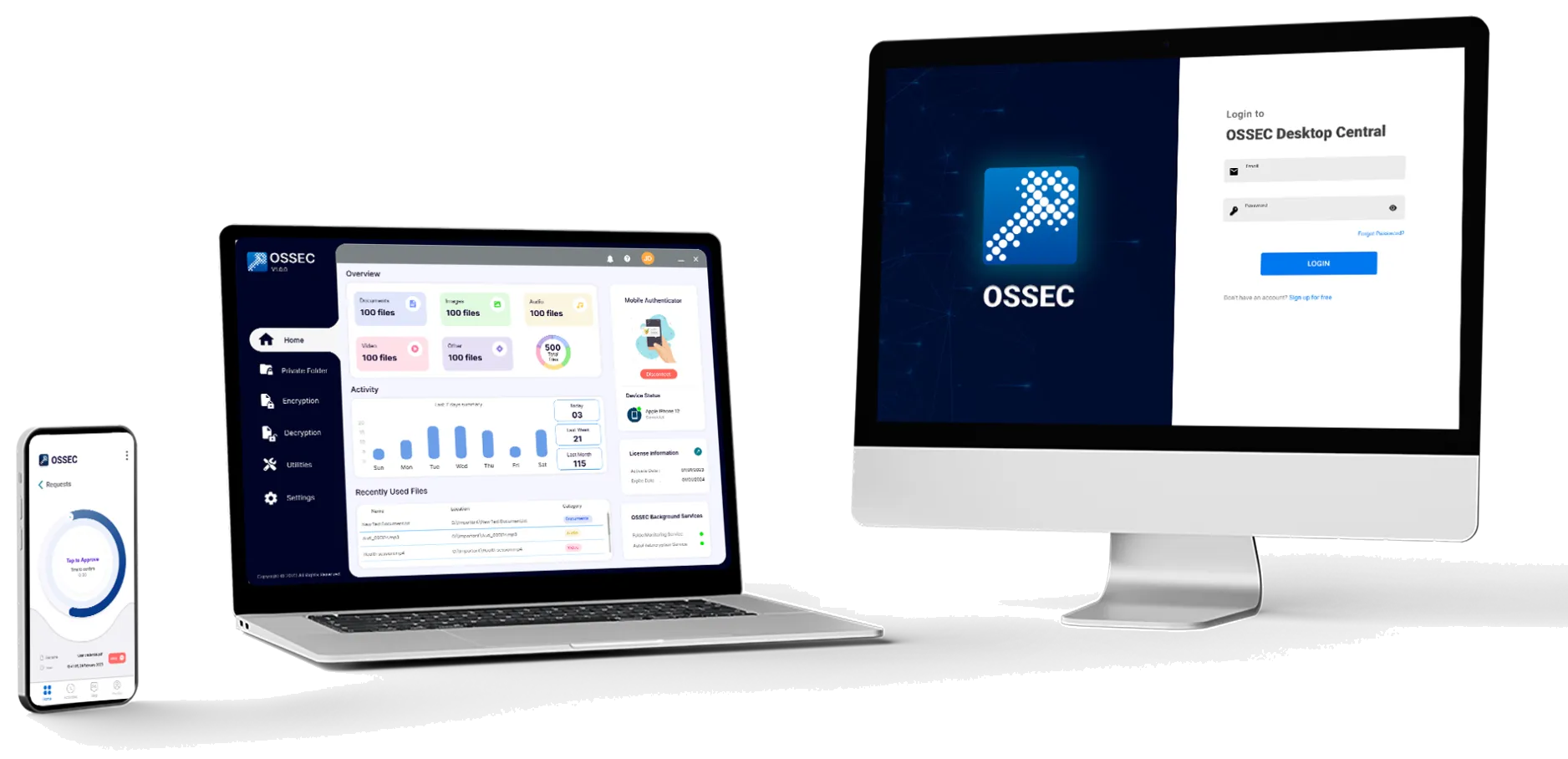
How the encryption flow works
Green arrows are the encryption flow. Grey arrows are normal data. A simplified view; the product's code is private.
- 1The desktop app asks to decrypt a file. The files themselves are encrypted on the user’s own computer.
- 2The API saves the decryption request in SQL Server.
- 3A real-time event (Pusher) tells the owner’s phone that a request is waiting.
- 4The owner approves or denies the request on the phone.
- 5A real-time event tells the desktop app, which then decrypts the file on the computer.
Problem
OnCrypt is a commercial file-encryption product sold in Japan, with Windows, macOS and mobile apps. All of those apps need one shared place for accounts, licences, payments and activity data.
- Customers need to sign up, buy licences and manage their users and devices.
- Staff need a back office to run the business.
- Japanese customers need the whole product in Japanese, with invoices they can trust.
My role
I was a full-stack developer on the web team from 2023 to 2026. I built:
- server-side C# features, Razor views and JavaScript
- database table changes
- API changes for the desktop and mobile apps
- payment and invoice emails
I was also one of the main people doing the English/Japanese translation.
How I built it
- ASP.NET Core 6. MVC with Razor views for the portal and admin panel, plus Web API controllers for the apps.
- Layered architecture. Controllers, then services, then repositories, then Entity Framework Core 6, with dependency injection.
- SQL Server. The schema lives in a SQL Server Database Project. I created 8 new tables, including login attempts, trusted browsers, Japanese postal codes, regional prices and customer tickets.
- Login security for every app. Account lockout after 3 failed attempts on the web, desktop and mobile login paths, two-factor authentication by email and SMS, and trusted devices with a setting to turn the check on or off.
- Real time. “Sign out everywhere” when a password or email address changes, sent to all logged-in apps through Pusher.
- Admin panel. Admins, companies, licences, purchase records with date filters, revenue charts and activity logs. Cancel and delete actions save a reason.
- APIs for the apps. Multi-device decryption (each request says which desktop is asking), a list of linked desktops, and “disconnect all devices”.
- Payments. Stripe checkout, payment methods, regional prices, and Stripe pages in the customer’s language.
Challenges
Invoices Japanese customers could trust
Japanese customers reported invoice dates and amounts that did not match their Stripe receipts. I converted Stripe’s smallest currency units correctly, fixed the tax base, and showed Japan time. Together with the product manager, I decided that the Japan-specific details follow the customer’s country, not their chosen language, because an English speaker can live in Japan.
The invoice PDF looked different on the server
The invoice downloaded from the test server looked different from my local one and ran onto two pages. I bundled the fonts, including a Japanese font, with the app and adjusted the layout. Now the PDF is the same on every server and fits on one page.
Redesigning emails without breaking them
Other flows used the same email templates. I added the new designs under new keys and left the old ones in place. Then I built side-by-side previews of the current and new emails in both languages, and agreed the wording before switching.
The Mac app got Windows notifications
When the macOS app arrived, it received Windows-only notifications. I added an optional operating-system value through the controller, service and repository layers, kept a list of excluded types for each system, and moved the value into the request body so it isn’t visible in the URL.
Translation at scale
The site, admin panel, JavaScript messages, emails, mobile notifications and logs all needed Japanese versions. I moved the resource files into a shared project and fixed Japanese-only problems, such as overflowing layouts and broken characters in CSV exports.
Result
- Account lockout and two-factor authentication protect all three login paths: web, desktop and mobile.
- Customers and staff can use the whole product in English or Japanese.
- Invoices match Stripe, show the right time zone and tax, and render the same on every server.
- Each app now receives only the notifications meant for its own operating system.